
In today’s digital landscape, video content reigns supreme, serving as a cornerstone for both personal expression and professional branding. As individuals and marketers alike strive to carve out their niche online, the ability to create engaging videos becomes crucial. Yet, the world of video editing might appear daunting for those just starting out. This article aims to bridge that gap by reviewing five free online video editing tools that are particularly user-friendly. These tools have been chosen for their ease of use, making them ideal for regular users and marketers eager to enhance their digital content without investing heavily in complex software.
Clipchamp
Clipchamp stands out as a highly user-friendly, browser-based video editor that’s particularly suited for beginners and marketers looking to create compelling digital content. This tool streamlines the video creation process with its intuitive design and an array of customizable templates that cater to various content needs. One notable feature of Clipchamp is its ability to add audio to video, which enhances the overall impact of the content, whether it’s for personal storytelling or professional marketing. Moreover, its text-to-speech function and real-time performance feedback help users fine-tune their projects on the fly. These features make Clipchamp not just accessible, but also a powerful tool for creating promotional content that resonates with audiences. The platform’s simplicity does not sacrifice capability, making it an excellent choice for those starting their video editing journey.
Canva Video Editor
Canva’s Video Editor is renowned for its simplicity and effectiveness, particularly suited for rapid content creation across social media platforms. Its intuitive drag-and-drop interface makes it incredibly user-friendly, allowing even novices to assemble videos with ease. The platform offers a wide range of features including a variety of video templates, an extensive library of stock footage, and a multitude of graphic elements. These resources empower users to produce visually appealing and polished videos without needing prior editing experience. The flexibility and depth of Canva’s tools facilitate the creation of professional-looking videos, making it an ideal choice for quick content generation that stands out online.
Veed.io
Veed.io presents itself as a straightforward, web-based video editing tool, perfect for executing basic video tasks efficiently. This platform excels in adding subtitles, compressing video files, and enabling direct uploads to social media, streamlining the editing process for users. Its clear layout and simple controls make it accessible for beginners, yet powerful enough to handle more involved projects like video podcasts or quick promotional clips. The addition of features such as subtitle integration enhances accessibility and viewer engagement, making Veed.io a practical choice for creators focused on simplicity and speed in their video editing workflow.
Online Video Cutter
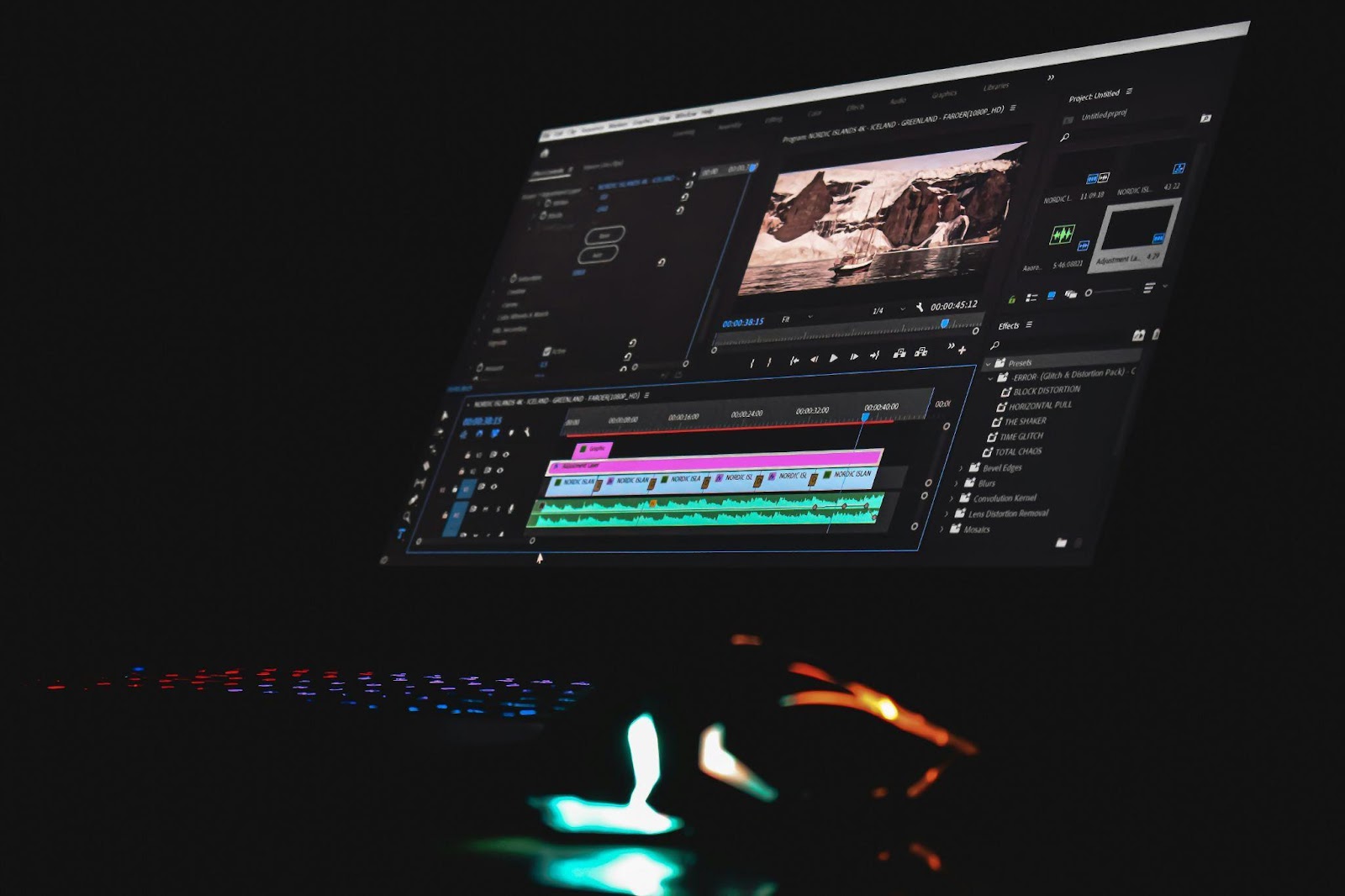
Online Video Cutter specializes in the simplicity and efficiency of basic video trimming and cropping, providing an indispensable tool for quick video edits. This online service supports a wide range of video formats, enhancing its accessibility and utility across different devices and platforms. Users can easily make adjustments to their videos without the need for advanced features, which makes Online Video Cutter ideal for those who need to perform straightforward edits like shortening a video or removing unwanted sections. Its user-friendly interface ensures that even users with minimal technical skills can achieve their desired video outcomes quickly and effectively.
Shotcut
Shotcut is an open-source, cross-platform video editor renowned for its powerful editing capabilities that are accessible without cost. It supports a plethora of video formats, accommodating a diverse array of project needs which makes it an ideal choice for video editors ranging from amateurs to the more experienced. The software offers an extensive toolkit including multi-track editing, waveform visualization, color grading, and advanced audio filters, enabling detailed manipulation and enhancement of both video and audio tracks.
However, while Shotcut’s robust feature set is a major advantage, it does come with a steeper learning curve, especially for complete beginners. The interface and array of features, although highly functional, can initially appear complex and overwhelming. With patience and practice, users can effectively harness the full potential of this software, which includes capabilities often found in high-end paid programs.
Beyond basic editing, Shotcut supports a range of advanced functions such as keyframe animation, which allows for detailed adjustments and animations within the video. It also includes options for video effects and transitions, which can add a professional polish to any project. These features make Shotcut a versatile tool, perfect for those who are looking to delve deeper into video editing without incurring the expense of premium software. This makes it not only a practical choice for budding videographers but also a viable option for more seasoned editors on a budget.
Choosing the right video editing tool is essential, as it greatly depends on the user’s specific needs and skill level. Beginners should feel encouraged to explore and experiment with the tools highlighted in this article—Clipchamp, Canva, Veed.io, Online Video Cutter, and Shotcut—to discover which best suits their content creation goals. Each tool offers unique features tailored to simplify the video editing process, making them accessible and cost-effective. These platforms not only help in enhancing video editing skills but also ensure that users can produce high-quality content efficiently, without the need for expensive software. Embrace these resources to elevate your digital storytelling capabilities.