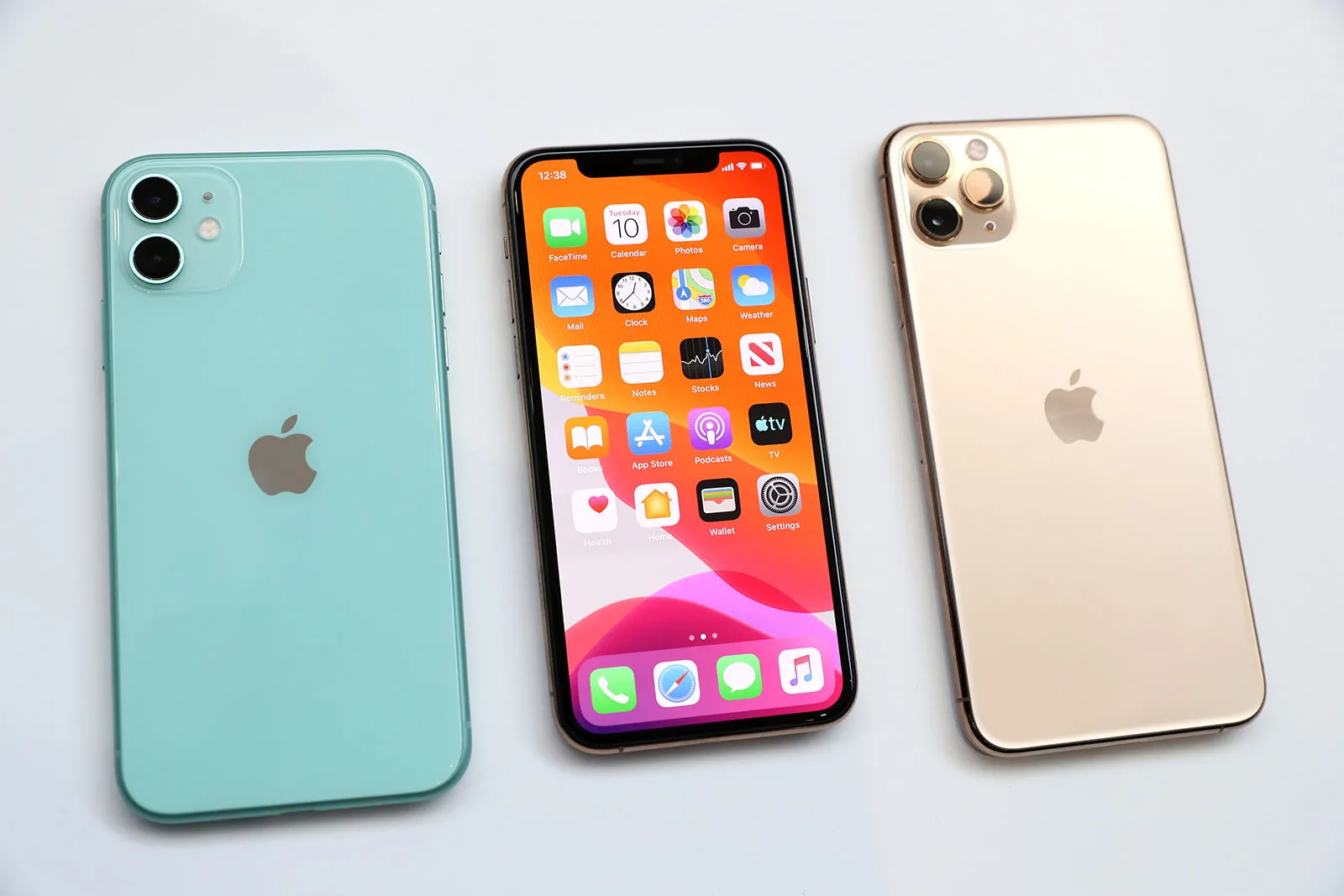
Tracking location on an iPhone can be incredibly useful for various business purposes, such as coordinating meetings, ensuring employee safety, or managing logistics. If you own an iPhone, there are several methods to find someone’s location easily and securely. This guide will walk you through the various options available.
Using the Find My App
The Find My app is a powerful tool for business applications, such as managing a mobile workforce or ensuring team safety during business trips.
How to Set Up the Find My App
- Launch the Settings app on your iPhone.
- Click on your name at the top.
- Choose Find My.
- Ensure that Find My iPhone and Share My Location are turned on.
Sharing Your Location with Team Members
- Open the Find My app.
- Tap on the People tab.
- Select Share My Location.
- Enter the name or phone number of the colleague you wish to share your location with.
- Choose how long you want to share your location and hit Send.
Viewing a Team Member’s Location Using Find My
- Open the Find My app.
- Tap on the People tab.
- Choose the person from the list whose location you want to view.
Using iMessage for Location Sharing
iMessage is a quick method for sharing and requesting locations, ideal for ad-hoc coordination.
To Share Location via iMessage
- Launch the Messages app.
- Select the chat with the colleague you wish to share your location with.
- Click on the person’s name at the top of the screen.
- Press Info (i) and choose Share My Location.
- Decide on the duration for sharing: One Hour, Until End of Day, or Indefinitely.
To Request Location via iMessage
- Open the Messages app.
- Select the chat with the person whose location you want to request.
- Tap on their name at the top of the screen.
- Hit Info (i) and choose Ask to Follow Location.
Using Third-Party Apps
Many third-party apps, such as Detectico and Scannero.io, can be used for business purposes like monitoring delivery routes or tracking field employees. These apps often come with additional features like driving safety notifications and location history.
Known Apps for Tracking Locations
- Detectico: Provides real-time location tracking, driving summaries, and emergency notifications.
- Scannero.io: Enables sharing of locations without needing to sign up.
Advantages and Disadvantages of Third-Party Apps
- Advantages: Features work across different platforms, useful for a diverse team.
- Disadvantages: Requires installing software and may pose potential privacy issues.
Using Family Sharing for Business Teams
Family Sharing can be adapted for business teams to keep track of employee locations.
How to Set Up Family Sharing
- Launch the Settings app.
- Click on your name displayed at the top.
- Choose Family Sharing.
- Follow the on-screen instructions to create your group and send invitations to your team members.
Advantages of Family Sharing for Teams
- Share locations with team members.
- Monitor the whereabouts of all team members through the app.
Using Google Maps for Business
You can also share your location using Google Maps, which is particularly useful for mixed-device teams.
To Share Location via Google Maps
- Launch the Google Maps app.
- Click on your profile picture or initials at the corner.
- Choose “Location sharing.”
- Tap on “Share location” and set the duration.
- Select the contact you wish to share with and tap “Share.”
To View a Shared Location on Google Maps
- Open the Google Maps app.
- Click on your profile picture or initials.
- Select “Location sharing.”
- Pick the contact whose location you want to see.
Privacy and Security Concerns in a Business Context
When sharing locations in a business setting, it’s important to consider privacy and security.
Importance of Sharing with Trusted Colleagues
- Only share your location with colleagues you trust.
- Regularly review who has access to your location.
Managing Location-Sharing Settings
- Open the Settings app.
- Go to Privacy > Location Services.
- Review and adjust location-sharing settings for individual apps.
Troubleshooting Location Sharing Issues
If you encounter problems with location sharing, here are some common issues and solutions.
Common Issues and Solutions
- Location Not Updating: Ensure both devices have a strong internet connection.
- Location Inaccurate: Make sure Location Services are enabled and set to High Accuracy.
Ensuring Accurate Location Tracking
- Open Settings.
- Tap Privacy > Location Services.
- Ensure Location Services is turned on.
- Scroll down and ensure the relevant apps have location access.
Real-Life Business Scenarios for Location Sharing
Location sharing can be helpful in many business scenarios.
Coordinating Meetings
- Easily find each other in large venues or unfamiliar locations.
Ensuring Employee Safety
- Keep track of employees’ whereabouts during business trips or in high-risk areas.
Conclusion
With the right tools and know-how, finding someone’s location on an iPhone can be easy and beneficial for business operations. Whether you opt for the Find My app, iMessage, Family Sharing, Google Maps, or third-party applications, there are plenty of options. It’s important to use these functions responsibly and consider privacy concerns.
FAQs
How do I temporarily share my location?
- You can share your location for a set time using the Find My app or iMessage. Choose the duration option, like One Hour or Until the End of the Day.
Is it possible to track someone’s location without their knowledge?
- No, ethical and legal considerations require consent from the person for sharing their location.
What steps should I take if location sharing is not functioning properly?
- Ensure that location services are turned on, check your internet connection, and make sure both devices have the latest updates installed.
How precise is the iPhone’s location tracking feature?
- Generally speaking, it is quite accurate, although accuracy may vary depending on GPS signal strength and internet connectivity.
Can I share my location with someone who doesn’t own an iPhone?
- Certainly, you can use apps such as Google Maps to share your location.